Publishing
Publishing and the calendar
Automatic publishing, pace, editorial calendar: how your articles reach your site.
Automatic publishing
With a connected CMS, every validated article can be published to your site automatically, no action needed. That is autopilot mode: production runs, your blog fills up.
When you connect WordPress, you choose two things: the mode (as a draft, to review in WordPress before publishing, or live directly) and automatic publishing (on, Blue sends each article 3 days after it is written; off, you send each article in one click from its page). Defaults: draft and one-click sending. Both settings can be changed anytime in Settings, Connections.
If you edit an article's title in WordPress, or publish it from WordPress, the dashboard and the calendar follow: status, title, address and publication date are re-read automatically (hourly for drafts, once a day for published articles). Text edited in WordPress stays in WordPress: the app does not copy it back.
The pace
In Settings, you choose the publishing pace. Articles are spaced out regularly rather than dumped in bursts: a blog that publishes steadily over time beats a pile of articles at once.
You can also pick production days: Blue only writes and publishes on the checked days (for instance, not on weekends). There is always at most one article a day, never two, so this choice is only offered when your pace fits in the remaining days: at 30 articles a month every day is needed, at 8 a month you can drop the weekend.
The calendar
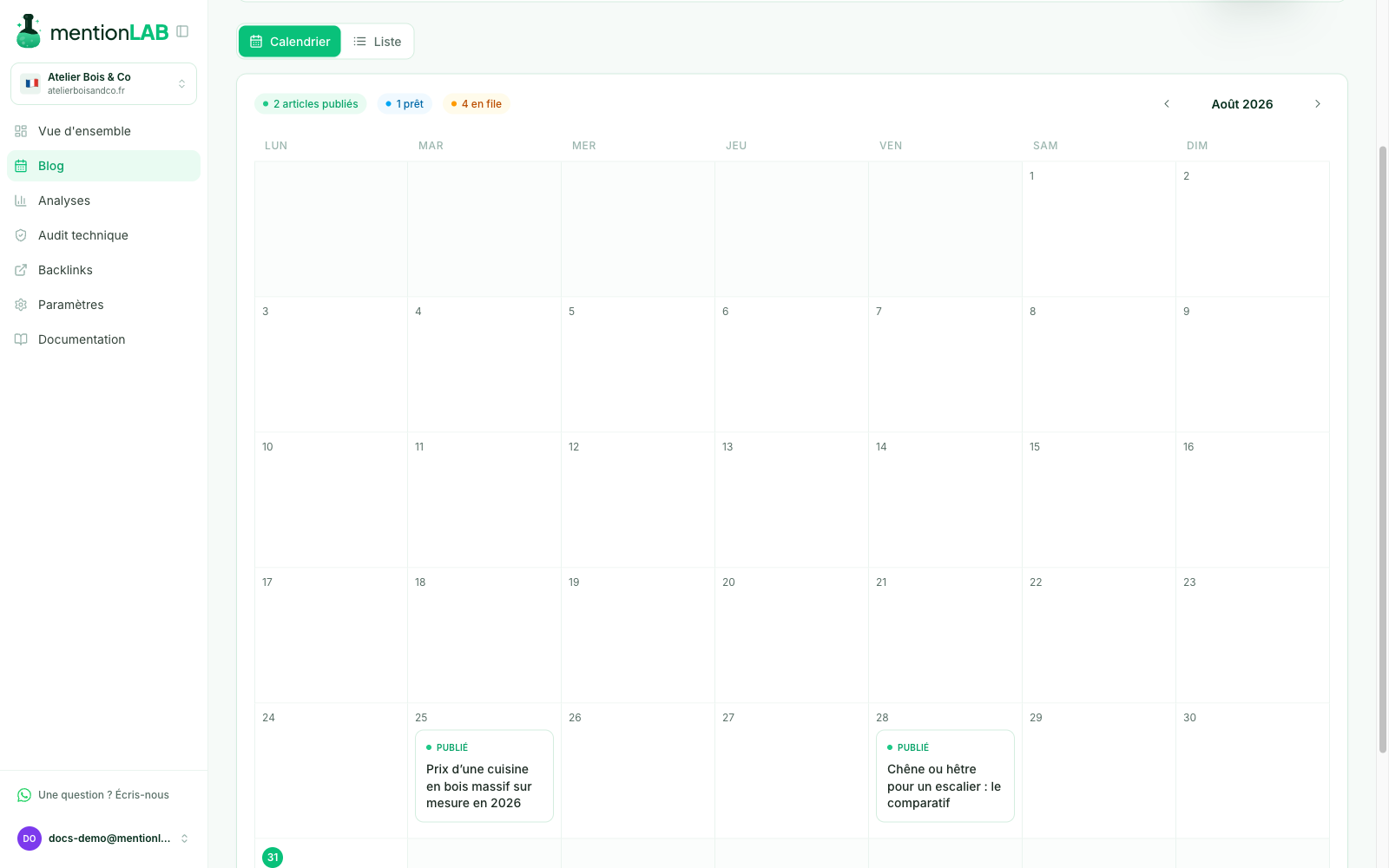
The Calendar tab shows your past and upcoming publications, day by day. Manually published articles appear at their real date, the one you declared when marking them.
Review before publishing
Every article can be read and edited in your dashboard before its publication date: adjust the text in the editor, replace an image, or pull an article you do not want to publish.
Tracking results
The Performance tab tracks your published articles' rankings and the traffic they bring, aligned with their real publication date.