Publishing
Connect your site
WordPress, Shopify, Webflow, Framer, PrestaShop, or manual publishing: how to link mentionLAB to your CMS.
Available connections
From your site's Publishing tab, you connect your CMS in a few minutes:
- WordPress: application-password connection, direct publishing to your blog.
- Shopify: publishing to your store's blog.
- Webflow: publishing to your blog collection.
- Framer: publishing through the Framer CMS.
- PrestaShop: publishing to your store's blog.
Each connection guides you step by step and is tested immediately: you see right away whether it works.
One site, one channel
A site publishes to a single channel at a time: this guarantees an article never goes out twice. To switch channels, disconnect the old one, then connect the new one.
No compatible CMS? Manual publishing
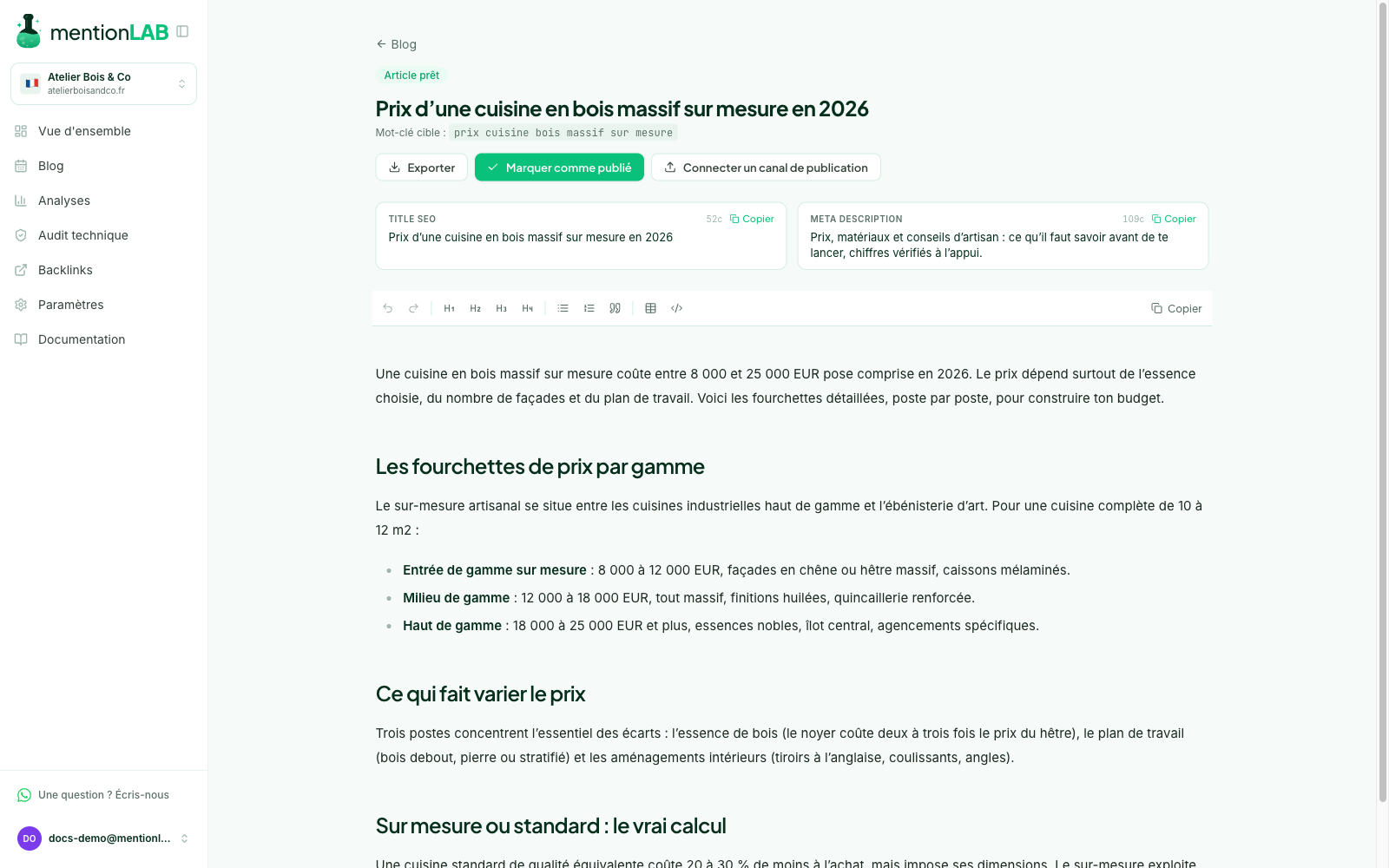
Your site runs on a custom CMS or an unlisted platform? Every article exports in one click (formatted copy, HTML or Markdown). You paste it into your tool, then click "Mark as published" with the page's URL and its real publication date, including a past date if you publish with a delay.
That marking matters: it feeds your calendar, the internal linking of future articles, and performance tracking.
Developers
An API lets you fetch articles and drive publishing from your own code. See API and AI agent.